I’ve spent a lot of my working life around classical music organisations, artists, record labels, artist managers, PR teams, marketing teams, producers, and administrators. One thing I can say with confidence is that almost nobody in this industry is short of work.
There is always another email to answer, another biography to update, another rehearsal schedule to clarify, another funding application to draft, another press quote to chase, another social post to write, another video clip to export, another spreadsheet to tidy, another audience report to interpret, and another “quick thing” that somehow takes half a day.
That is where AI can be genuinely useful.
Not because it is magic. Not because it can replace taste, judgement, relationships, musical understanding, or the human work at the centre of the arts. It can’t. But used sensibly, AI can take a lot of the repetitive, fiddly, time-draining admin off your desk — or at least get you from a blank page to a useful first draft much faster.
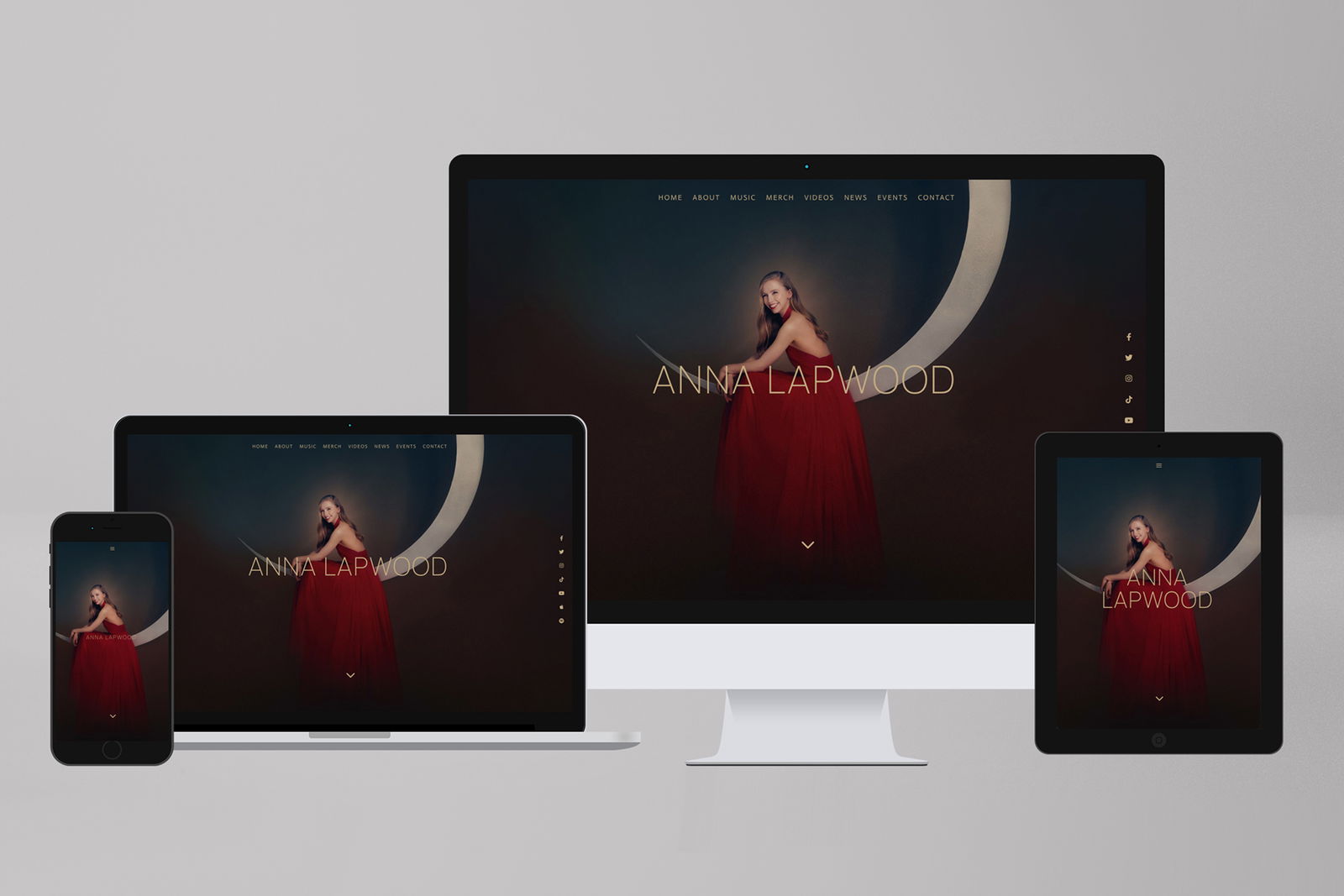
At Knight Classical, we work across artist management, websites, film, video, digital media, recording projects, touring, social media, audience engagement and strategic consultancy. That means we see the same problem from lots of angles: brilliant people doing high-level artistic work while also drowning in everyday operational detail.
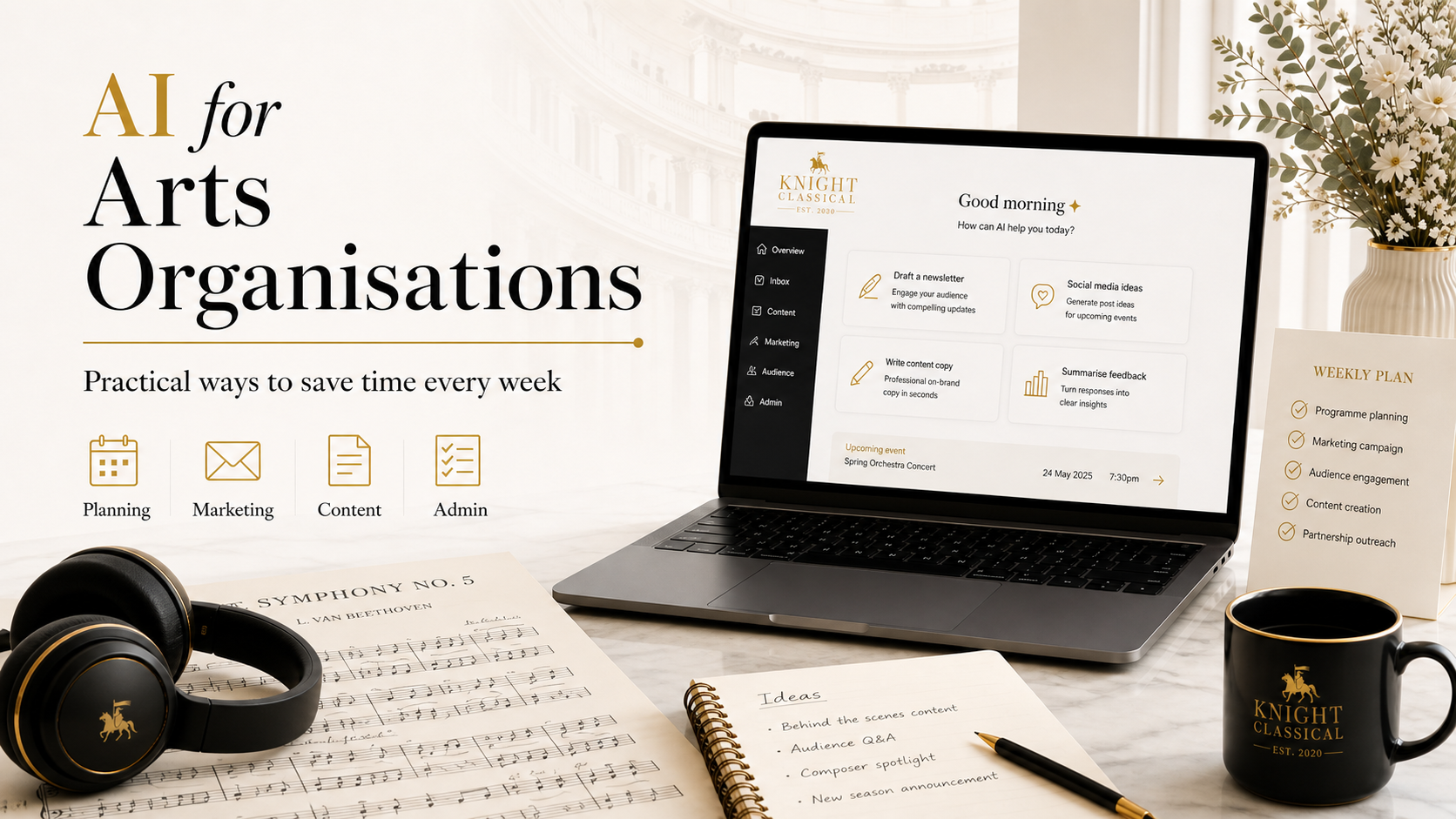
So this is not a futuristic “AI will transform the arts” piece. It is a practical guide to the things you can start doing now.
First: what AI is actually good at
The easiest mistake is to think of AI as a tool for “creating things from nothing”. That is usually where it is least reliable.
Where it is much more useful is in helping you reshape, organise, summarise, repurpose, compare, structure and draft material you already have.
Think of it as a very fast assistant that can help with things like:
- turning meeting notes into action points
- turning a concert brief into social media posts
- turning a rough biography into several polished versions
- turning a long interview transcript into quotes and captions
- turning a funding guideline into a checklist
- turning a messy spreadsheet into categories
- turning one campaign idea into copy for email, website, press and social
- turning a blank page into a workable first draft
That last phrase is important: first draft.
I would never suggest blindly copying and pasting AI-generated copy into a press release, biography, funding application or social media campaign. In classical music especially, detail matters. Names, repertoire, venues, dates, accents, diacritics, recording labels, conductors, orchestras and project context all need human checking.
But getting a decent first draft in 30 seconds rather than staring at a blank document for 45 minutes? That is useful.
The three rules I’d start with
Before getting into examples, these are the three rules I would suggest for any arts organisation using AI.
1. Do not put sensitive material into random free tools
If you are dealing with contracts, passport scans, donor lists, confidential artist matters, unreleased recordings, fee negotiations, private emails, medical information, safeguarding issues or internal HR matters, be careful.
Use proper business-grade tools where you understand the privacy settings, data usage, admin controls and retention policy. For example, OpenAI says ChatGPT Business workspace data is excluded from training by default and encrypted in transit and at rest, which is the kind of thing you want to check before putting professional material into any AI system.
For UK organisations, the ICO’s basic data protection principles still apply: you need a lawful basis, appropriate security, and transparency about how personal data is used.
2. Give AI source material, not vague wishes
A bad prompt is:
Write me a press release for a concert.A much better prompt is:
Using the information below, write a 500-word press release for a UK classical music audience. Keep the tone warm, professional and accessible. Do not invent any facts. If anything important is missing, list it at the end.

[Paste confirmed concert details, artist biography, programme, venue information and ticket link]
The more context you give it, the better the output.
3. Use AI for structure, speed and options — not final authority
AI is good at giving you ten starting points. It is not good at knowing which one is artistically right, politically wise, legally safe, or emotionally appropriate.
That is still your job.
1. Turn meetings into actions automatically
This is probably the easiest win for most.
Arts organisations spend a lot of time in meetings: production meetings, campaign meetings, artist calls, planning calls, development meetings, internal check-ins. The problem is not usually the meeting itself. The problem is what happens afterwards.
Who is doing what? What was agreed? What still needs a decision? Which date did we say? Who was going to ask the venue? Did anyone actually send the stage plan?
Tools like Otter can record meetings, create summaries, identify action items and capture key points.
A simple workflow could look like this:
-
Record the meeting with an AI note-taking tool.
-
Export or copy the transcript.
-
Ask AI to produce:
- a short summary
- decisions made
- actions by person
- unanswered questions
- deadlines mentioned
-
Paste the actions into Asana, Trello, Notion, Monday, ClickUp or whatever you or your team uses.
A useful prompt:
Please turn this meeting transcript into a clear action list.

Format it as:
- Decision made
- Action required
- Owner
- Deadline
- Notes / dependencies

Also include:
1. Any questions still unanswered
2. Any dates or deadlines mentioned
3. Any risks or things that need senior approval

Do not invent owners or deadlines. If they are unclear, write “not confirmed”.
For orchestras, this could be used after production meetings. For artist managers, after artist calls. For PR agencies, after campaign meetings. For musicians, after planning calls with venues, agents or collaborators.
The time saving is not just in writing notes. It is in reducing the number of things that quietly fall through the cracks.
2. Create a “house style” prompt for all your writing
One of the best things you can do is create a reusable prompt that teaches AI how you want your organisation to sound.
This is particularly useful in classical music, where tone is tricky. You often need to sound informed without being pompous, accessible without being simplistic, warm without being fluffy, and professional without sounding like a grant application.
Create a short style guide like this:
Our tone of voice:
- Warm, clear and intelligent
- Professional but not corporate
- Accessible to general audiences without talking down
- Avoid hype, clichés and exaggerated claims
- Use British English
- Keep sentences reasonably short
- Prioritise clarity over cleverness
- Do not use emojis
- Do not overuse words like “world-class”, “renowned”, “visionary” or “unique”
Then add project-specific information underneath.
For example:
Using our tone of voice guide below, write three versions of this concert description:
1. Website listing, 150 words
2. Email newsletter paragraph, 100 words
3. Instagram caption, 80 words

Tone of voice:
[Paste your style guide]

Confirmed project details:
[Paste concert/project information]
This is incredibly useful for small teams because it helps keep everything consistent. Your website, social media, email newsletters, press copy and printed materials all start to feel like they come from the same organisation.
3. Repurpose one piece of content into many formats
This is where AI can save a huge amount of time.
Let’s say you have a new album release, concert announcement, festival launch, artist interview or education project. Traditionally, someone has to write separate copy for:
- website news story
- event listing
- email newsletter
- press release
- Instagram caption
- Facebook post
- LinkedIn post
- YouTube description
- short artist quote
- donor update
- internal briefing
That is a lot of rewriting.
With AI, you can write one strong “source brief” and then ask it to adapt that into different formats.
The key is to create the source brief yourself, using confirmed facts only. Then AI can help with the variations.
Try this:
I am going to give you a confirmed project brief. Please turn it into a complete campaign copy pack.

Create:
1. Website news post, 500 words
2. Short website excerpt, 40 words
3. Email newsletter version, 180 words
4. Instagram caption, 120 words
5. LinkedIn post, 150 words
6. Press release opening paragraph
7. Three alternative headlines
8. Five short social media hooks
9. A list of facts that must be checked before publication

Use British English. Keep the tone warm, polished and accessible. Do not invent any information.

Project brief:
[Paste details]
For marketing and PR teams, this can turn a two-hour job into a 20-minute editing job.
For musicians doing their own admin, it can remove the stress of having to reinvent the same announcement for every platform.
4. Make artist biographies easier to manage
Artist biographies are one of the most repetitive jobs in the industry.
You need a long biography, a short biography, a programme biography, a website biography, a one-paragraph version, a 50-word version, sometimes a version focused on education work, sometimes one focused on recordings, sometimes one for a specific country or presenter.
AI is very useful here, as long as you feed it accurate material and check the output carefully.
A good prompt:
Using the full biography below, create the following versions:

1. Full biography – 500 words
2. Medium biography – 250 words
3. Short biography – 100 words
4. Programme biography – 75 words
5. One-sentence introduction

Rules:
- Do not add any engagements, awards, labels, venues or claims that are not in the original biography.
- Keep all names and repertoire accurate.
- Use British English.
- Keep the tone elegant but not overblown.
- At the end, list any claims that may need fact-checking.

Full biography:
[Paste biography]
You can also ask it to compare two biography versions:
Please compare these two versions of an artist biography and tell me:
1. What information appears in version A but not version B
2. What information appears in version B but not version A
3. Any contradictions
4. Any outdated-sounding phrases
5. Any sentences that could be clearer
That is especially helpful when bios have been edited by multiple people over several years.
5. Use AI to make funding applications less painful
Funding applications can be exhausting because the same information has to be reframed again and again: artistic aims, community impact, access, legacy, budgets, outputs, evaluation, partnerships.
AI cannot decide your strategy or invent genuine impact. But it can help you turn guidance into a checklist, reshape existing material, and identify gaps.
Start by pasting the funder guidance and asking:
Please turn this funding guidance into a checklist.

Include:
- Eligibility requirements
- Required documents
- Word counts
- Assessment criteria
- Deadline information
- Questions we need to answer
- Evidence we should prepare
- Any risks or unclear areas

Guidance:
[Paste funder guidance]
Then use it to review your draft:
Please review this draft funding answer against the funder criteria below.

Tell me:
1. Where the answer is strong
2. Where it is vague
3. Where we need more evidence
4. Whether it answers the question directly
5. Suggested improvements, without inventing new facts

Funder criteria:
[Paste criteria]

Draft answer:
[Paste answer]
For arts administrators and development teams, this is one of the most useful applications of AI. It is not about letting AI “write the bid”. It is about using it as a second pair of eyes before the human team sharpens the final version.
6. Speed up social media without losing your voice
A lot of musicians and arts organisations struggle with social media because it feels relentless. The concert has barely finished before you need to post about the next thing.
AI can help you create caption banks, but the trick is to avoid generic content.
Do not ask:
Write social media posts for my concert.Ask:
Create 10 social media caption options for this concert.

Audience:
- Classical music listeners
- Local audiences
- People who may not know the repertoire

Tone:
- Warm
- Human
- Not salesy
- No clichés
- No emojis
- British English

Include:
- 3 informative captions
- 3 more personal captions
- 2 short captions
- 2 captions suitable for LinkedIn

Confirmed details:
[Paste details]
You can also use AI to create a posting plan:
Create a simple two-week social media plan for this concert announcement.

Include:
- Post theme
- Suggested caption angle
- Suggested visual asset
- Call to action
- Best platform

Use only the confirmed information below.
[Paste details]
Tools like Canva’s Magic Studio can also help non-designers generate or adapt designs for presentations, social graphics and other visual formats from prompts, while still allowing human editing inside Canva.
The big warning here is not to let everything become bland. AI is good for structure and options. Your actual personality, taste and sense of timing still matter.
7. Turn long video or audio into useful marketing material
This is very relevant for classical music because we often have long-form material: interviews, rehearsals, performances, documentaries, lecture-recitals, panel discussions, recording sessions.
The problem is that long-form material takes time to repurpose.
AI-assisted tools can help you transcribe, identify possible clips, remove filler words, generate captions and create shorter edits. Descript, for example, can automatically detect filler words in English transcripts and help remove them from audio or video edits.
A practical workflow might be:
- Transcribe the interview or video.
- Ask AI to identify strong quote moments.
- Create short clips from those moments.
- Generate captions.
- Ask AI to write social captions for each clip.
- Save the best quotes for press, newsletters and future web copy.
Prompt:
Please analyse this interview transcript and identify the best short-form video clips.

For each suggested clip, include:
- Start phrase
- End phrase
- Why it works
- Suggested caption
- Suggested title
- Best platform: Instagram, YouTube Shorts, LinkedIn or website

Prioritise moments that are clear, human, interesting and understandable without too much context.

Transcript:
[Paste transcript]
For record labels, artist managers and PR teams, this is extremely useful. One good interview can become a press quote sheet, three short videos, a newsletter feature, a website article and a bank of social captions.
8. Make email newsletters more targeted
Many arts organisations send the same email to everyone. Sometimes that is fine. But often, different audiences care about different things.
A donor may want to understand impact. A regular concertgoer may want the date and programme. A teacher may care about education resources. A journalist may need the story angle. A presenter may want the artistic positioning.
AI can help you create audience-specific versions from one core announcement.
Prompt:
Using the campaign information below, create four email versions:

1. General audience
2. Donors/supporters
3. Press/media contacts
4. Industry contacts/presenters

For each version include:
- Subject line
- Preview text
- Email body around 180 words
- Clear call to action

Keep all facts consistent. Do not invent information.

Campaign information:
[Paste details]
Mailchimp has AI marketing tools and features around campaign creation and audience activity; the exact features depend on your plan, so it is worth checking what is available in your own account before building a workflow around it.
Even if you do not use Mailchimp’s built-in AI, you can still use a tool like ChatGPT or Claude to prepare segmented copy before pasting it into your email platform.
9. Use AI for internal knowledge, not just public content
This is a big one.
Most organisations have a huge amount of knowledge scattered across email threads, meeting notes, old documents, spreadsheets and people’s heads. AI can help turn that into something more searchable and reusable.
For example, you could create internal documents such as:
- “How we announce a concert”
- “How we prepare an artist biography”
- “How we deliver a recording campaign”
- “How we brief a designer”
- “How we prepare a video shoot”
- “How we onboard a new artist”
- “How we create a funding application”
- “How we handle press image requests”
You can ask AI to turn messy notes into a standard operating procedure:
Please turn these rough notes into a clear internal process document.

Structure it as:
1. Purpose
2. When to use this process
3. Step-by-step workflow
4. Roles and responsibilities
5. Checklist
6. Common mistakes to avoid
7. Template email or message if useful

Use plain English and make it easy for a new team member to follow.

Notes:
[Paste rough notes]
This is less glamorous than generating campaign copy, but it may be even more valuable. It means the organisation becomes less reliant on one person remembering how everything works.
10. Use specialist AI tools for music catalogues and recordings
Most of this article is about everyday admin, but there are also more specialist uses for record labels, publishers, libraries and organisations with audio archives.
AI music tagging and search tools can help with catalogue discovery. Cyanite, for example, offers similarity search based on an input track and can return similar tracks using criteria such as BPM or genre.
For a classical label or archive, this could help with:
- finding recordings by mood, instrumentation or energy
- identifying suitable tracks for sync briefs
- organising large catalogues
- improving internal search
- creating metadata starting points
But I would treat this as a second-stage project. Before using AI to tag a catalogue, make sure your basic metadata is clean: composer, work, movement, artist, conductor, ensemble, recording date, rights, ISRC, label copy and so on.
AI can speed up discovery, but it cannot rescue a completely chaotic archive without human oversight.
A simple 30-day AI starter plan
If you are new to all this, I would not start by trying ten different tools. Start with one or two workflows and make them genuinely useful.
Here is a simple plan.
Week 1: Meeting notes and action points
Choose one recurring meeting. Use AI to summarise it and create actions. Compare the result with your usual notes. Adjust the prompt until it works.
Week 2: Campaign copy pack
Take one real concert, release or project. Create a source brief. Use AI to draft website, email and social versions. Edit them properly. Save the prompt.
Week 3: Biography versions
Choose one artist or organisation biography. Create long, medium, short and programme versions. Check every fact. Save the structure as your biography workflow.
Week 4: Internal process document
Choose one repetitive task your team does often. Use AI to turn your current approach into a checklist or internal guide.
By the end of 30 days, you will have four practical workflows, not just a vague sense that AI might be useful.
What I would not use AI for
There are some areas where I would be very careful.
I would not use AI as the final checker for contracts, rights, fees, tax, visas, safeguarding, employment issues or legal questions. I would not use it to imitate an artist’s personal voice without their involvement. I would not ask it to invent quotes. I would not upload confidential material into tools where I had not checked the privacy terms. I would not let it write final biographies or press releases without human fact-checking.
The NCSC also warns that generative AI can get things wrong, present incorrect statements as facts, be biased, and be vulnerable to prompt injection and other risks, so it should not be treated as a perfect authority.
Copyright is another area to take seriously. The UK government’s copyright and AI work makes clear that the relationship between AI and copyright remains a live and contested issue, particularly around the use of copyright works in AI systems.
For arts organisations, the safest mindset is simple: use AI to help with your own material, your own structure, your own workflows and your own drafts. Be careful with other people’s creative work.
My favourite AI prompt formula
If you remember nothing else, remember this structure:
You are helping me with [task].

Context:
[Explain the situation]

Audience:
[Who this is for]

Tone:
[How it should sound]

Source material:
[Paste confirmed information]

Output:
[Exactly what you want]

Rules:
- Use British English
- Do not invent facts
- Flag anything missing
- Keep it clear and practical
That one formula will improve most AI results immediately.
Final thought
The best use of AI in classical music is not about replacing people. It is about giving people more room to do the work that actually needs them.
Artists need time to practise, think and perform. Managers need time to build relationships and shape careers. PR and marketing teams need time to tell stories properly. Administrators need time to coordinate complex projects without burning out. Labels need time to support recordings with care. Organisations need time to think strategically instead of constantly firefighting.
If AI can reduce the time spent reformatting notes, rewriting the same paragraph six times, digging through transcripts, summarising meetings, cleaning up drafts and building basic checklists, then it is worth taking seriously.
Not as a revolution. Not as a replacement. Just as a practical tool that, used well, can make the working week a little lighter.
And in this industry, that is no small thing.
Need more hands-on help?
I hope this has given you plenty of practical ideas to start using AI in a useful, sensible way. But if you would like more detailed help — whether that is setting up AI workflows for your team, improving your website, producing video content, strengthening your social media, or turning your digital presence into something more joined-up and effective — I’d be very happy to talk. At Knight Classical, we work across websites, film and video, digital media, social media, audience engagement and strategic consultancy, always with a focus on helping artists and arts organisations communicate their work with clarity and impact. If you would like to discuss a project, get advice, or explore how we could help, you can contact me directly at martin@knightclassical.com.